
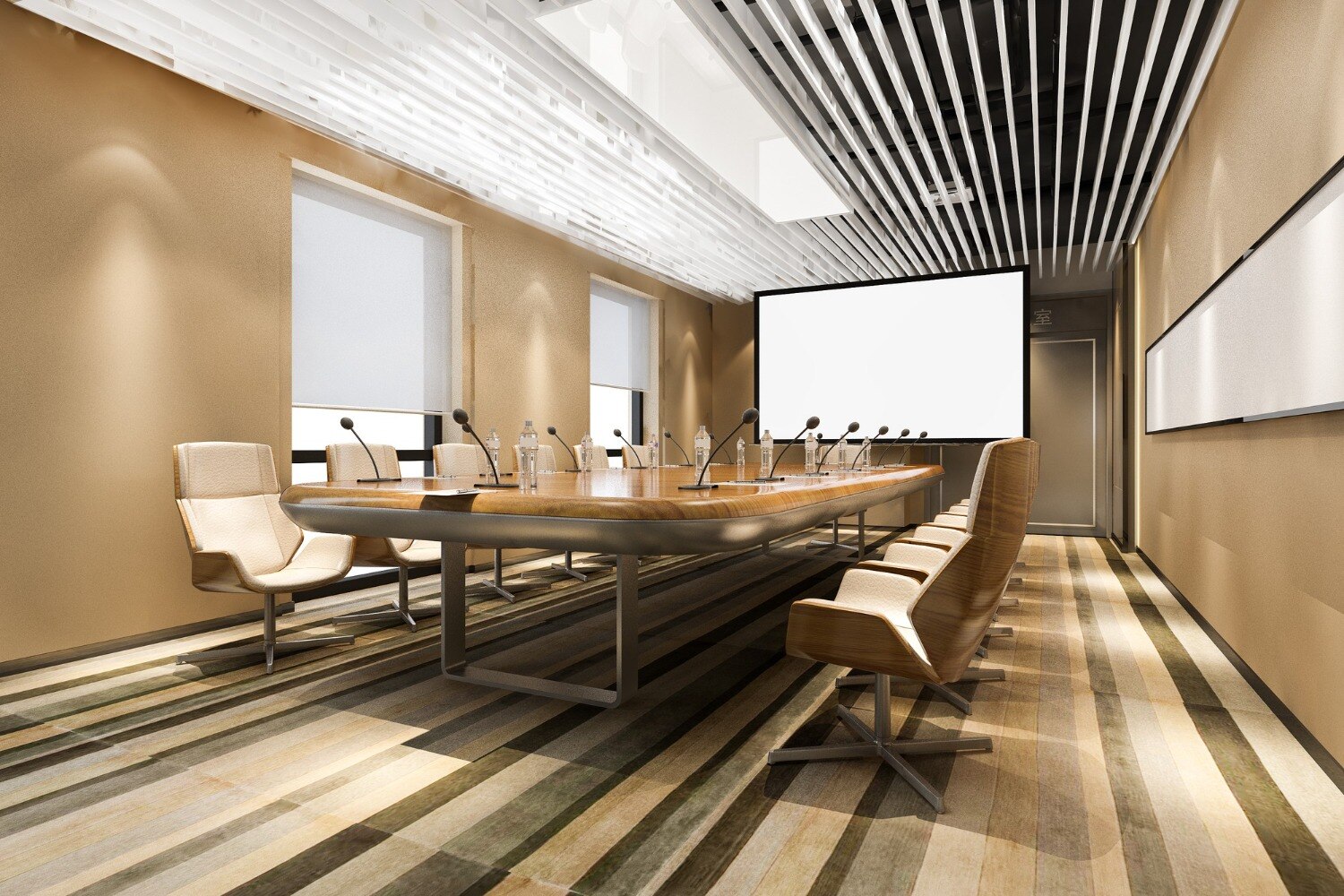
A successful corporate office plan starts with a measured floor plan, not a catalogue of desks. You will be able to allocate rooms, calculate usable workstation capacity, specify furniture and services, and compare modular systems with carpentry before approving a quotation.
Key takeaways
- Calculate usable area after subtracting fixed rooms, shafts, columns and circulation.
- Allow clear aisles, emergency routes and chair movement before setting workstation counts.
- Match benching, cabins, meeting tables and storage to each work zone’s actual use.
- Demand installation drawings, material specifications, warranties and post-installation support.
How to turn a measured floor plan into a workable office layout
Start with the usable area, not the landlord’s carpet-area figure. From the measured plan, subtract columns, shafts, toilets, electrical rooms, server or UPS rooms, fixed pantry elements and unusable corners. Mark windows, doors, structural walls and emergency exits before placing furniture.
1. Create a room-use schedule for reception, waiting, cabins, open workstations, meeting rooms, breakout space, print points, storage, pantry and support rooms. Give each space its required occupancy, equipment, acoustic privacy and cooling needs; a meeting room is not an enlarged workstation module.
2. Fix reception near the entry with a clear visitor route to waiting and meeting rooms. Keep cabins and focus rooms away from noisy print or pantry zones, then place workstations where daylight is useful without exposing screens to direct glare.
3. Draw circulation around furniture, not through leftover gaps. Test the route from entrance to reception, work areas, toilets and emergency facilities for door clearance, turning space and reachable controls. Keep aisles, exit paths, fire-fighting access and electrical panels unobstructed under the National Building Code of India provisions and local approvals.
4. Reserve storage beside the teams that use it, but do not let tall cabinets narrow routes or block windows. Place server, UPS and electrical rooms where maintenance access, ventilation and restricted entry remain possible.
5. Coordinate the furniture plan with power, data, lighting and HVAC drawings before partitions are fixed. Modular office interiors need floor boxes or raceways, cable risers, spare outlets and supply-air clearance; otherwise corporate offices interior modular office furniture in Nagpur projects end with extension cords and overheated rooms.
Use the installed layout to test accessibility, chair clearance, daylight, glare and evacuation—not just the number of desks. That test reveals whether the measured floor plan is workable.
How much workstation capacity can the floor actually support?
A floor that fits 40 desks may support only 28 usable seats once chairs, aisles, storage and exits are protected. Calculate capacity from the complete workstation footprint, not the desktop count.
Before approving the number, check each workstation against these conditions:
- Measure the desk, including its depth, monitor arm, cable bend, pedestal and modesty panel. A 600 mm-deep surface can become impractical when a monitor, keyboard, paperwork and rear cable route share the same zone.
- Reserve chair pull-back space behind every seat. A chair blocking the next workstation’s aisle creates congestion and prevents comfortable use of the office workstation furniture.
- Keep primary circulation clear and size accessible routes from the entrance to work areas, toilets, meeting rooms and emergency facilities. Allow turning space, reachable controls and at least some usable workstations; a 1,500 mm turning circle is a useful planning test.
- Protect exit doors, escape paths, fire-service panels and electrical panels. Do not count a desk placed in front of an exit route, even if it fits on the drawing.
Check the final layout against the National Building Code of India and local approval conditions for travel paths, exit width, emergency lighting and fire access. A practical capacity schedule records desk size, chair clearance, aisle width, accessible seats and the seats removed to maintain evacuation access. That figure is your real capacity.
Which furniture configuration and specification fit each work zone?
Choose the configuration by collaboration, privacy and future change—not by desk count alone. The right office workstation furniture leaves room for the chair, circulation, cables and accessible controls.
| Option | Best use | Specification decision |
|---|---|---|
| Benching | Dense teams with shared workflows | Use back-to-back desks with shared screens and cable spines; avoid it where confidential calls dominate. |
| Cluster workstations | Project teams needing face-to-face exchange | Group four or six desks around a central screen or storage spine, with acoustic screens. |
| Straight-line desks | Individual work with simple planning | Use where monitor, keyboard and files fit without side return; leave clear rear access. |
| L-shaped workstations | Managers, designers or roles handling paper and screens | Specify left- or right-handed returns, deeper corner support and protected cable routes. |
| Cabins | Confidential conversations, supervision or focused work | Provide a full workstation, visitor chairs, door clearance, lighting and independent ventilation. |
| Height-adjustable desks | Users who alternate sitting and standing | Check lifting load, lowest and highest heights, anti-collision control and cable slack. |
| Freestanding furniture | Small offices, leased spaces or frequent moves | Choose when independent desks, pedestals and storage matter more than shared infrastructure. |
Every workstation schedule must state surface height, depth, load capacity, screen-arm support, modesty panel, pedestal clearance and left/right handing. A 600 mm desk can fail when a monitor arm, keyboard, paperwork and rear cable bend must coexist.
Coordinate corporate office furniture in Nagpur with floor boxes or raceways, under-desk trays, vertical risers and power-data modules before flooring closes. Keep spare outlets and an accessible route; later moves otherwise create extension cords, overloaded strips and narrowed aisles. Test reachable controls and wheelchair clearance at installed desks, not only on the drawing.
How should furniture, cables, materials, lighting and cooling be coordinated?
Fix the ceiling, furniture and service routes together; otherwise a late workstation move can leave extension cords, blocked air diffusers and glare at every screen. Modular office interiors need one coordinated review, not separate furniture and electrical decisions.
1. Draw floor boxes or perimeter raceways to each workstation, with under-desk trays, vertical risers and combined power-and-data modules. Keep spare outlets and data points for relocations, and confirm access panels before flooring, partitions and skirting are installed.
2. Overlay the furniture plan, reflected ceiling plan, lighting plan, HVAC layout and power/data plan. Do not place tall storage or full-height screens beneath supply diffusers, across return-air paths or in front of windows; dense furniture can create hot zones and force higher lighting and cooling loads.
3. Control Nagpur’s solar gain with external shading, blinds or low-solar-gain glazing, then add roof insulation where heat enters from above. Keep perimeter desks away from direct sun, and test screen positions at morning and afternoon angles before fixing partitions.
4. Select sealed, heat-stable laminates and edge bands for desks and cabinets. In monsoon-exposed or pantry-adjacent areas, use raised legs or plinths, sealed edges and replaceable panels; store boards off damp floors and install them only after wet plaster dries.
5. Specify low-glare LED lighting, acoustic ceiling panels and fabric or perforated screens without blocking ventilation. Check lux levels, reflected glare, speech privacy and air throw in each room type before approving samples for modular office furniture in Nagpur.
How do you compare suppliers and protect the office after installation?
Compare suppliers on reconfiguration, fit, lead time, repair, cable management and long-term cost, not on the quotation total alone.
| Option | Reconfiguration | Strengths | Watch-outs |
|---|---|---|---|
| Modular office furniture in Nagpur | Relocate standard panels, tops and screens | Faster repeatable installation; replacement parts | Limited by module sizes; one-off modules reduce savings |
| Custom carpentry | Fixed to the measured room | Best for irregular walls and executive finishes | Slower changes, harder repairs and less predictable cable access |
| Loose ready-made furniture | Move individual desks and storage | Quick purchase and simple replacement | Inconsistent sizes, exposed cables and weak workstation integration |
For corporate office furniture in Nagpur, issue every bidder the same package: dimensioned furniture schedule, finish board, module codes, plans, elevations, partition and door details, electrical/data drawings, approved samples, installation tolerances, punch-list process and asset or replacement schedule. Ask Arch'N' Angles Architect's to review these documents against the measured plan before comparing prices.
- Reject quotations that omit panel thickness, edge treatment, hardware model, cable routes, installation scope or taxes.
- At handover, check panel alignment, damaged edges, drawer and door movement, workstation levelling, partition plumb, cable segregation, earthing continuity, floor-box access and exposed fasteners.
- Keep board furniture off damp floors and away from wet plaster until the building envelope and wet trades are dry. Use sealed edges and raised legs beside pantries and washrooms.
- Obtain warranty response time, exclusions for water and misuse, matching-part availability, and confirmation that dismantling and reinstallation are covered. Record defects in a signed punch list before final payment.
Related products
Office Partition Service Modular Office Furniture View product → |
Office Partition Service Office Partition Service View product → |
Frequently asked questions
How do you turn a measured floor plan into a workable office layout?
Start with usable area, then mark columns, shafts, toilets, electrical and server rooms, windows, doors, structural walls and emergency exits. Place circulation paths and work zones only after these fixed constraints are recorded.
How do you calculate workstation capacity from a floor plan?
Subtract fixed and unusable areas from the measured floor area, then reserve space for aisles, meeting rooms, storage, reception, circulation and services. Test the remaining area against workstation dimensions and chair clearance rather than dividing the entire floor by desk size.
Which modular office furniture fits different work zones?
Use benching or shared workstations for team areas, enclosed desks or cabins for privacy, meeting tables for collaboration, reception counters at the entrance and lockable storage where documents or equipment require controlled access.
How should furniture, cables, lighting and cooling be coordinated?
Align workstation rows with power and data routes, keep cable trays accessible, prevent furniture from blocking air grilles, and place lighting to avoid screen glare. Coordinate reflected ceiling, electrical and furniture drawings before installation.
How should you compare modular office furniture suppliers?
Compare drawings, board thickness, edge banding, hardware, cable management, finishes, installation scope, delivery schedule, warranty terms and replacement support. Ask for a final measurement and a written snag-resolution process.
Related product
Architectural Designing Services Commercial Building Architecture Service Commercial Building Architecture Service |
Keywords